Overview:
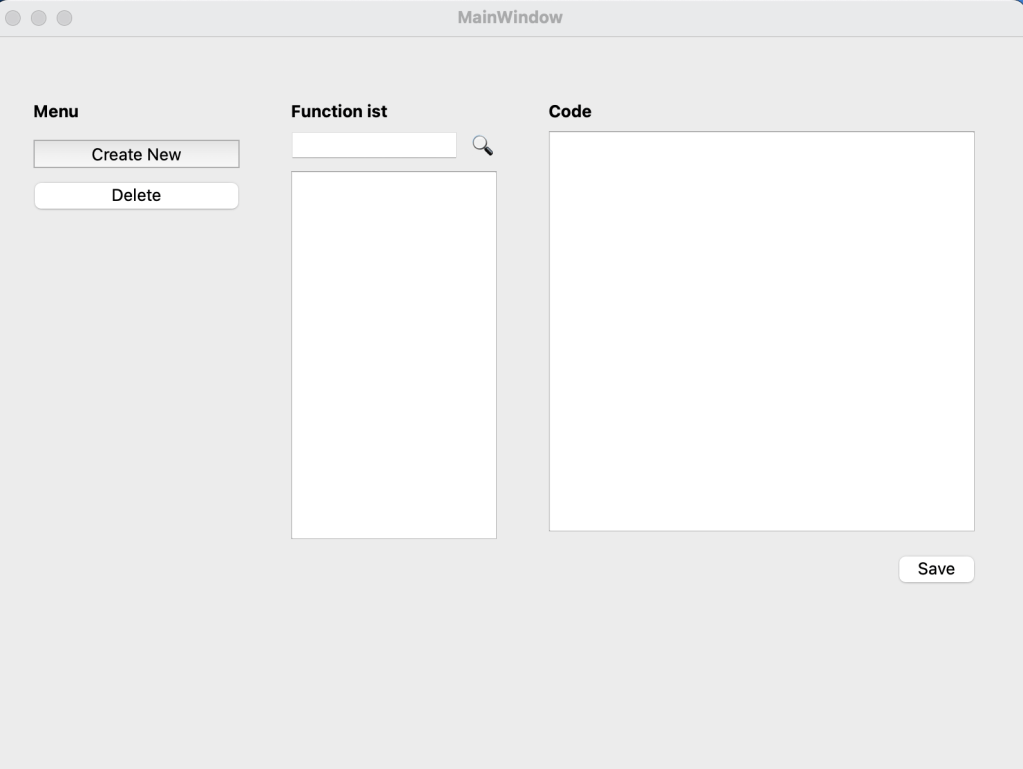
This is a Code Snippet Manager application built with Qt and C++. This application allows users to store, edit, categorize, and search code snippets, all in one place.
Screenshots:


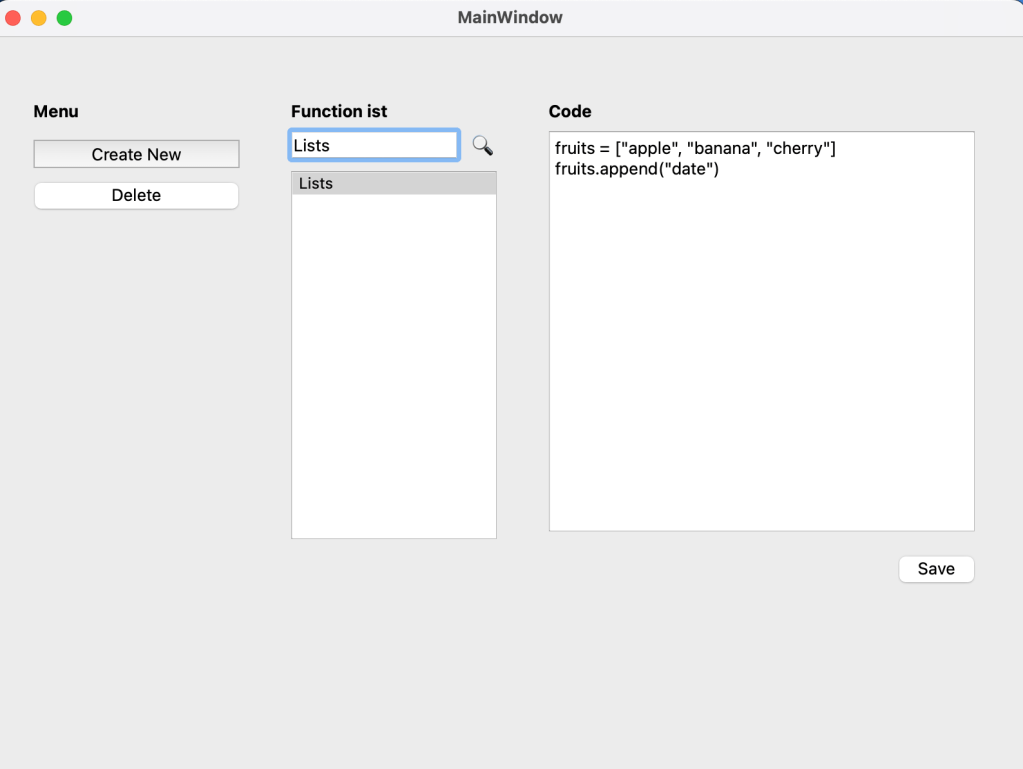
Key Features:
- Add New Snippets
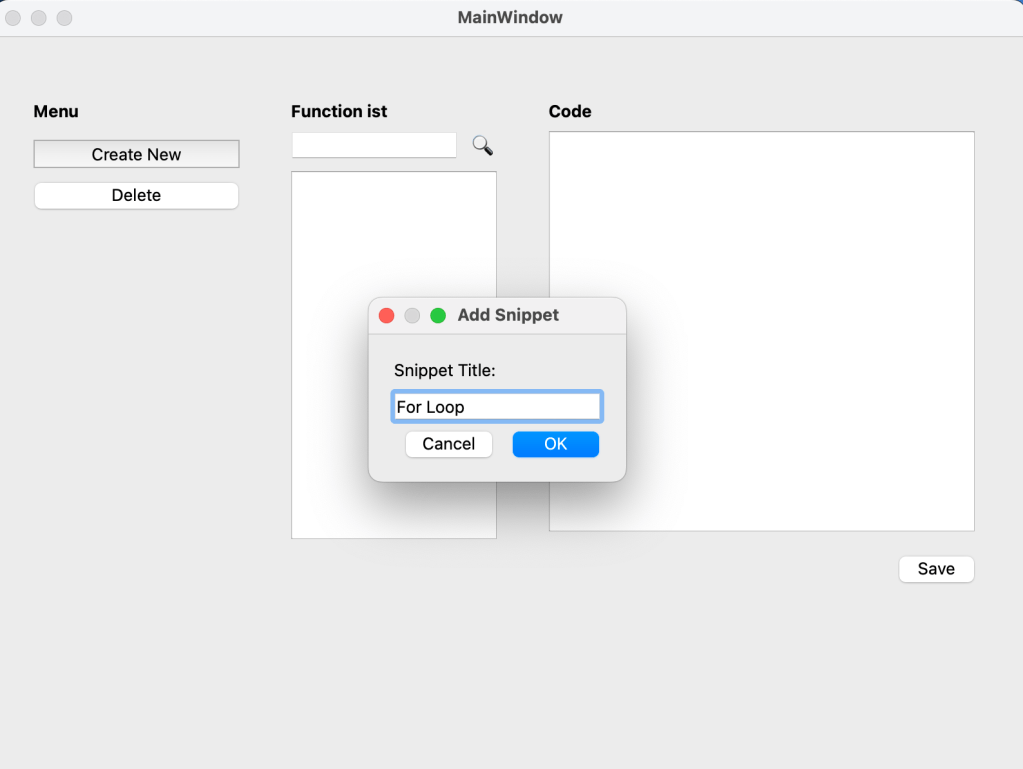
- Quickly create and save new code snippets with a custom title.
- Enter the code snippet content and title, which will automatically appear in the list for easy access.
- Edit and Save Snippets
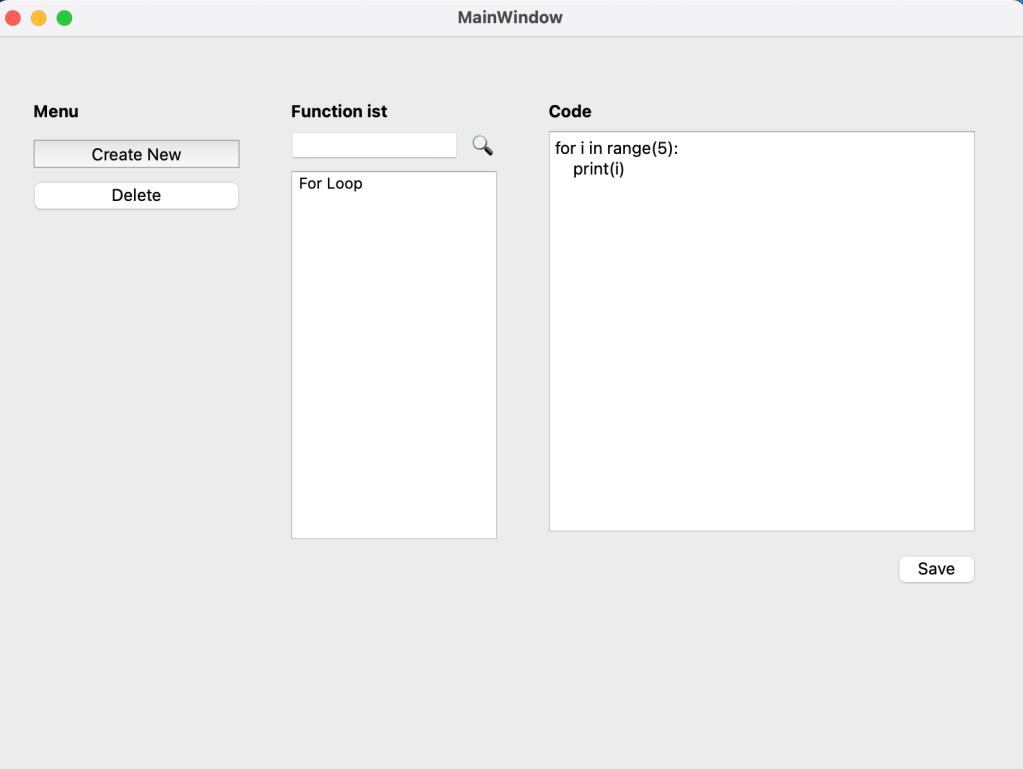
- Select any saved snippet from the list, make edits in the text editor, and save changes to keep it updated.
- Ideal for tweaking snippets over time without creating duplicates.
- Delete Snippets
- Clean up your list by deleting snippets users no longer need, which keeps user’s library concise and organized.
- Search Functionality
- Easily locate snippets by typing part of the title into the search bar.
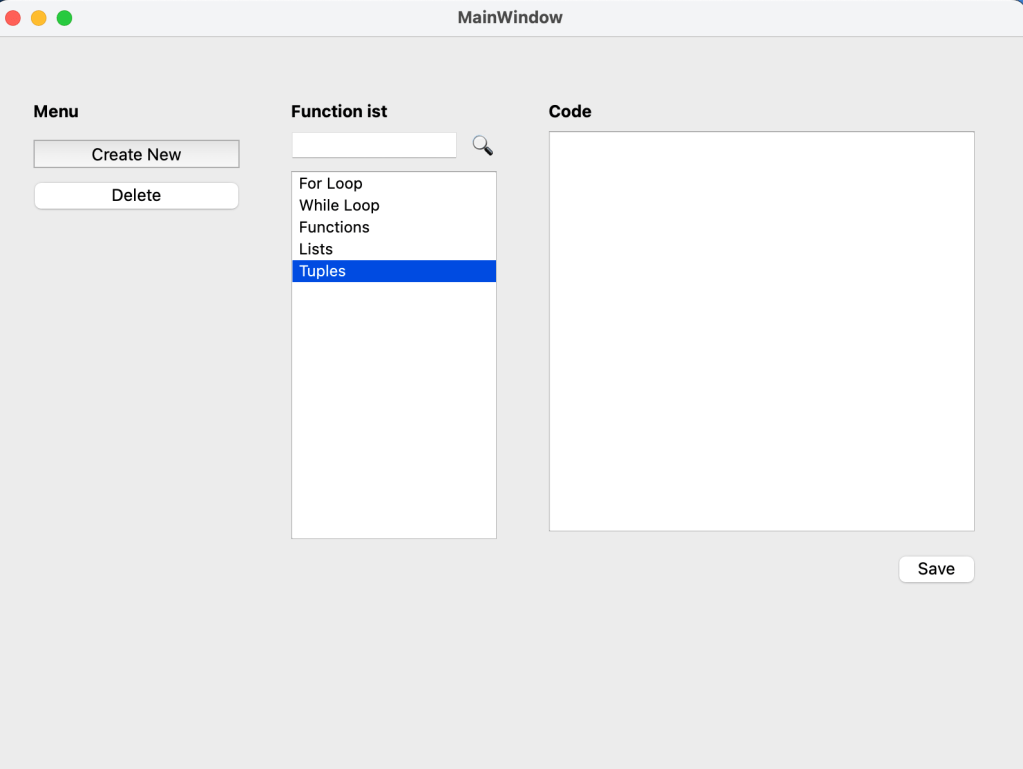
- The list automatically filters to show only the snippets that match user’s search, making retrieval fast and effective.
- Simple and Intuitive UI
- The application features a clean layout with a list, text editor, and buttons for basic CRUD operations..
Tech Stack:
- Qt Framework:
- A powerful, cross-platform C++ framework for building GUI applications.
- C++:
- The primary programming language for the application.
- QListWidget:
- Used for displaying the list of snippets.
- QTextEdit:
- Provides a text editor where users can view, edit, and write their code snippets.
- QLineEdit:
- Used as a search bar to filter snippets by title.
- QPushButton:
- Simple buttons for core actions like adding, saving, and deleting snippets.
- QMap:
- A Qt container class used to store snippets by title, allowing for quick retrieval and efficient management.
Category:
Tags:
Links:
 Portfolio
Leave a comment