
Overview:
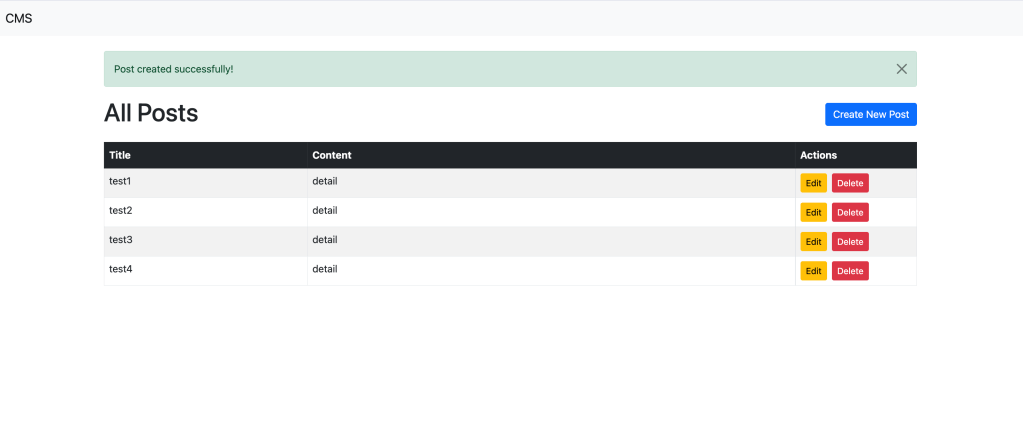
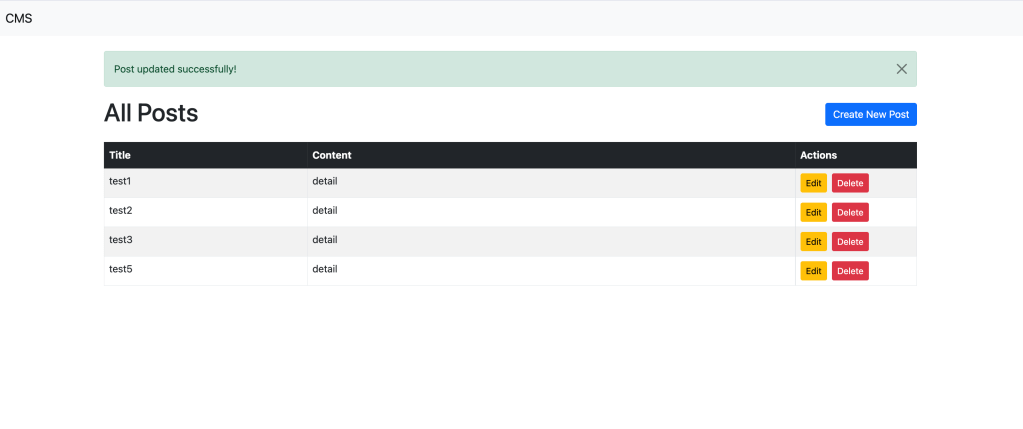
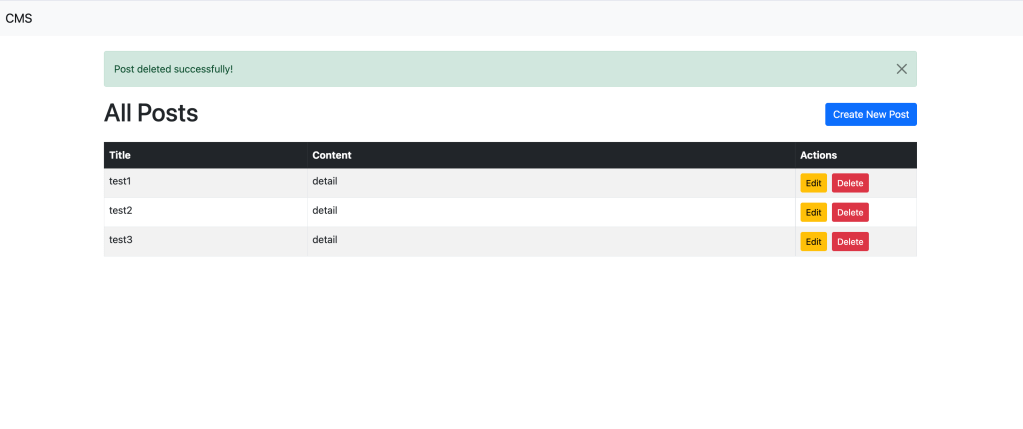
This is a simple CMS using Laravel that allows users to create, edit, delete posts. We also incorporated essential features such as user-friendly notifications, responsive design using Bootstrap, and JavaScript confirmation before deleting content.
Screenshots




Key Features:
- CRUD Operations
The CMS provides all essential CRUD functionality for managing posts. Users can easily create new posts, view them in a clean, responsive table, edit content, and delete posts from the interface. - Bootstrap-Powered UI
The CMS integrates Bootstrap via a CDN, providing a clean, mobile-friendly, and responsive design. Buttons, forms, tables, and layout components are styled using Bootstrap’s extensive class system, offering an attractive and consistent UI across different devices. - Post Management Dashboard
The posts are displayed in a table format, making it easy to see all posts at a glance. Each post entry includes options to edit or delete, providing streamlined post management. - Form Validation and CSRF Protection
The CMS uses Laravel’s form validation system to ensure that no invalid data is submitted. Additionally, CSRF (Cross-Site Request Forgery) protection is automatically included to secure all forms. - Notifications and Alerts
The system uses Bootstrap alerts to notify users when posts are successfully created, updated, or deleted, improving feedback and user interaction.
Tech Stack:
- Laravel
- Laravel is used as the backend framework to handle routing, database migrations, controllers, and models. It helps build CMS systems quickly.
- Blade Templating Engine
- Blade, Laravel’s built-in templating engine, is used to create reusable, modular views. This separates the front-end design from the backend logic, promoting clean and maintainable code.
- MySQL
- The CMS uses MySQL for the database, storing all posts in a
poststable. Laravel’s Eloquent ORM is used for easy interaction with the database, simplifying queries and data management.
- The CMS uses MySQL for the database, storing all posts in a
- Bootstrap
- The front-end design is powered by Bootstrap, ensuring that the CMS is responsive and visually appealing across different devices.
Category:
Tags:
Links:
 Portfolio
Leave a comment